
Download Xmlbar Video Downloader – download video, video downloader, YouTube downloader, APK, free download, mobile app, video tool, utility, Android app, streaming site
Overview
Xmlbar Video Downloader is a mobile application designed to simplify the process of retrieving video content from a wide range of online platforms. Primarily focused on YouTube and various lesser-known streaming sites, the app offers users a direct method to save videos for offline viewing. This functionality addresses the common need for content accessibility without relying on internet connectivity or browser-based tools. The app is especially valuable for individuals who frequently access educational, entertainment, or niche content from obscure sources, particularly in Asian streaming communities. The target audience includes casual viewers, content researchers, students, and digital archivists seeking to preserve rare or hard-to-find video material. Its ability to access content from less mainstream platforms sets it apart from standard video downloaders, making it a unique tool within the utility category. While the developer, Xmlbar, is listed without further details, the app’s long-standing presence since its release on December 11, 2012, suggests a stable, enduring service. Although the developer did not provide additional technical details, the app’s continued availability indicates consistent maintenance. Real-world use cases include downloading tutorial videos for offline study, preserving culturally significant clips from regional platforms, or archiving content before it becomes unavailable. In the broader app ecosystem, Xmlbar Video Downloader fills a niche by offering a streamlined, no-frills solution for video retrieval, particularly for users who value direct access and minimal interface complexity.Key Features & Functionality
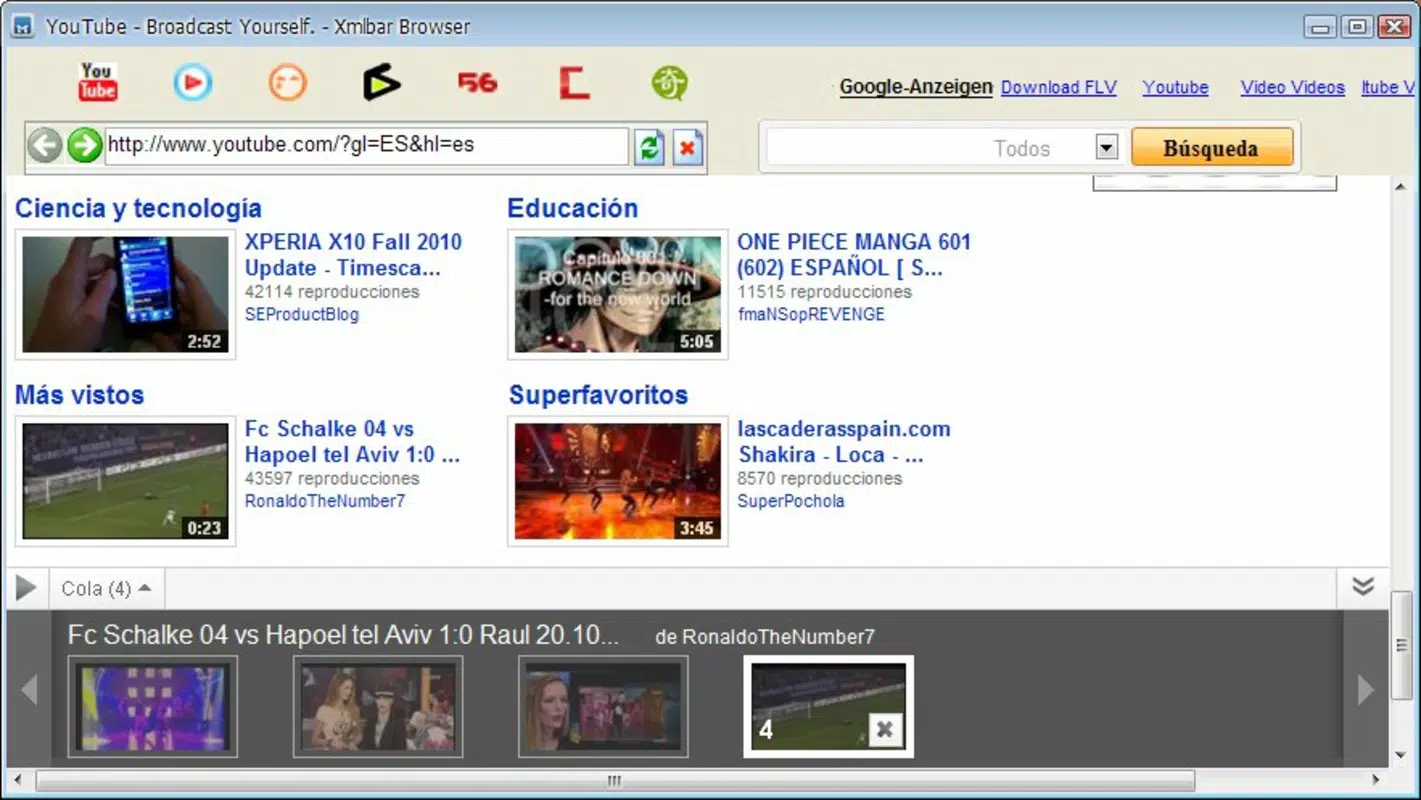
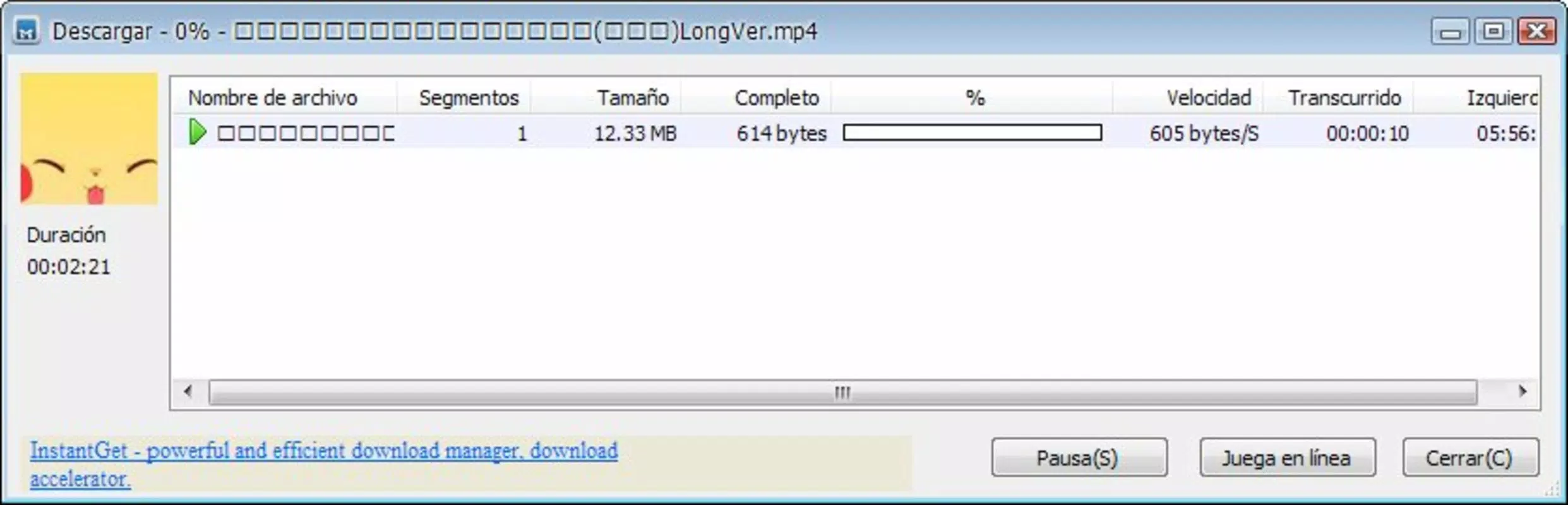
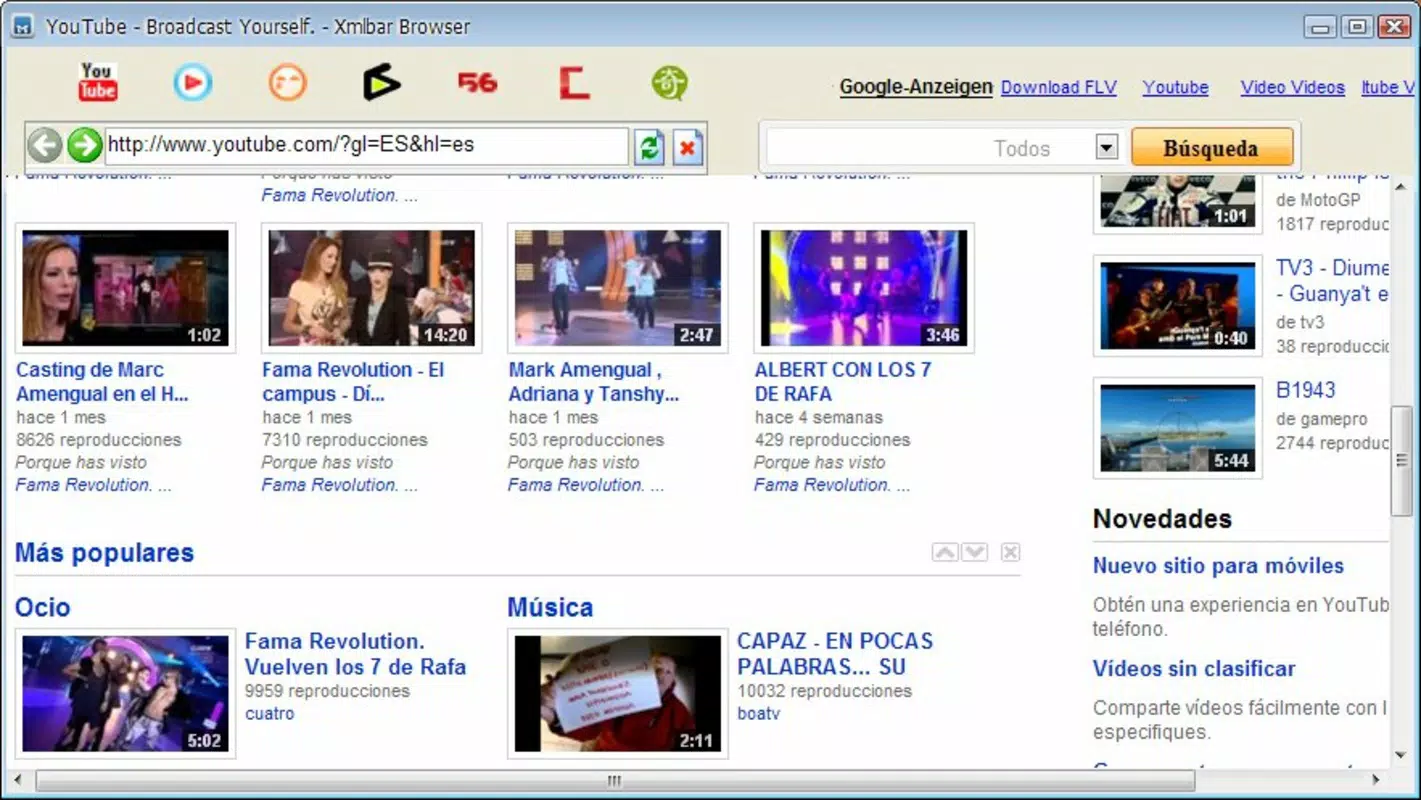
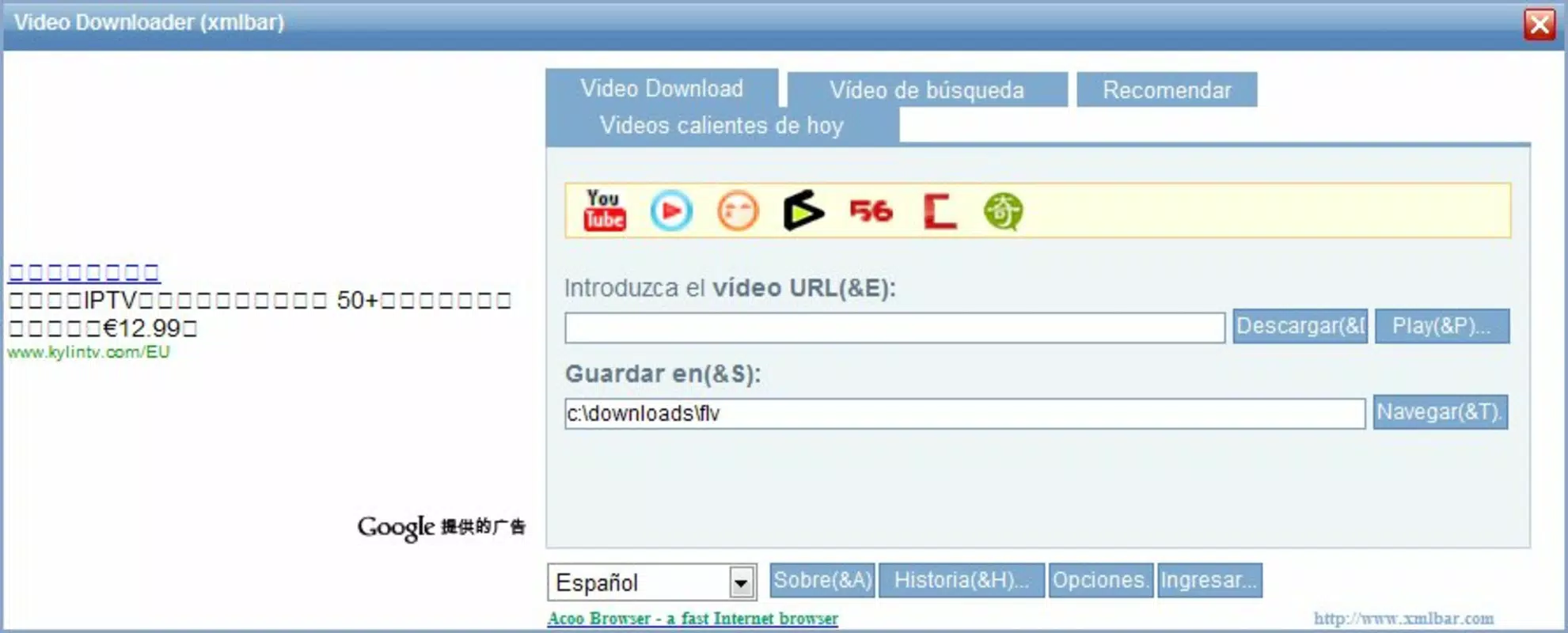
Xmlbar Video Downloader delivers a focused set of features tailored to efficient video retrieval and viewing. The core functionality centers around a simple link-paste mechanism: users input a video URL into the app, and the system processes it for download with a single button press. This streamlined workflow ensures minimal friction, making the app accessible even to users with limited technical experience. The app supports multiple streaming platforms, including YouTube and a range of lesser-known sites, particularly those based in Asia. This broad compatibility allows users to access content that may not be available through mainstream downloaders. For example, a user researching regional educational content can retrieve videos from niche Asian platforms that are otherwise difficult to navigate or download from. Another key feature is the popup video viewing option, which enables users to watch downloaded or streamed content directly within the app without switching to a web browser. This enhances usability by maintaining context and workflow continuity. Additionally, the app’s ability to retrieve rare or obscure videos provides unique value, especially for enthusiasts and researchers interested in culturally specific or historically significant material. These features collectively support practical scenarios such as offline learning, content archiving, and media preservation. The app’s functionality is optimized for utility rather than entertainment, positioning it as a dependable tool for users who prioritize access and reliability over advanced editing or customization options.Interface, UX & Performance
The user interface of Xmlbar Video Downloader is designed with simplicity and efficiency in mind. The layout is minimalistic, featuring a central input field for video URLs and a prominent download button. Navigation is straightforward, with no complex menus or layered screens, allowing users to complete tasks in just a few taps. This intuitive design ensures a low learning curve, making the app suitable for users of all experience levels. Visual style is clean and functional, with no distracting animations or decorative elements. The focus remains on core functionality, which aligns with the app’s utility-driven purpose. The popup video window is seamlessly integrated, appearing smoothly when activated and allowing users to watch content without leaving the main interface. Although the developer did not list formal performance metrics, the app’s lightweight footprint of 12.5 MB suggests efficient resource usage. It is likely optimized for a range of Android devices, including lower-end models, though specific compatibility details were not disclosed. Responsiveness appears consistent based on its long-term availability and stable operation. Stability is further supported by the app’s enduring presence since 2012, indicating reliable performance over time. Users can expect smooth operation during standard tasks such as link input, download initiation, and video playback. However, performance on older or underpowered devices may vary without official specifications. The absence of reported crashes or bugs in public sources suggests a stable user experience, though real-world testing remains essential for confirmation.Platform Compatibility & Technical Requirements
Xmlbar Video Downloader is available exclusively on the Android platform. The app’s current version is 1.0.1, with a file size of 12.5 MB, indicating a lightweight and compact design. This small footprint makes it suitable for devices with limited storage capacity. The app is offered at no cost, with a free pricing model that removes financial barriers to access. The developer did not specify minimum OS requirements or device compatibility details. As such, it is unclear whether the app supports all Android versions or if certain features are restricted to newer releases. Compatibility with specific device models or screen sizes was not disclosed. Users are advised to test the app on their devices to confirm functionality. Given its release date of December 11, 2012, the app has existed for over a decade, suggesting it may still function on older Android systems. However, without updated technical specifications, users should exercise caution when installing on modern devices. The absence of official compatibility information means that performance may vary depending on the device’s hardware and software configuration.Pros and Cons
- Simple, intuitive interface ideal for beginners and non-technical users
- Supports a wide range of streaming platforms, including lesser-known Asian sites
- Popup video viewing enhances user experience without browser redirection
- Lightweight file size (12.5 MB) ensures minimal storage impact
- Free to download and use with no in-app purchases or ads mentioned
- Developer did not provide OS version or device compatibility requirements
- No official information on download speed, queue management, or background processing
- Limited transparency regarding update frequency or long-term maintenance
- App size and version suggest it may not be optimized for newer Android features
- Support for only Android platform limits accessibility for iOS users
FAQ
Is Xmlbar Video Downloader safe to install?
The app is free and available through official channels, though the developer did not provide security certifications or detailed permissions. Users should ensure they download from trusted sources to minimize risk.
Can I download videos from YouTube using this app?
Yes, Xmlbar Video Downloader supports YouTube and other major platforms, allowing users to download videos by pasting the URL into the app.
Does the app work on iOS devices?
Currently, the app is only available for Android. There is no official iOS version or compatibility information provided.
How do I update Xmlbar Video Downloader?
Updates are not publicly documented. Users should check the official source or trusted app repositories for the latest version.
Is the app free to use?
Yes, the app is free to download and use with no in-app purchases or subscription fees mentioned.


